
MolloM

Prepare structures, set parameters and arrange calculations on your computer. Pick up results and pending plans on your phone.
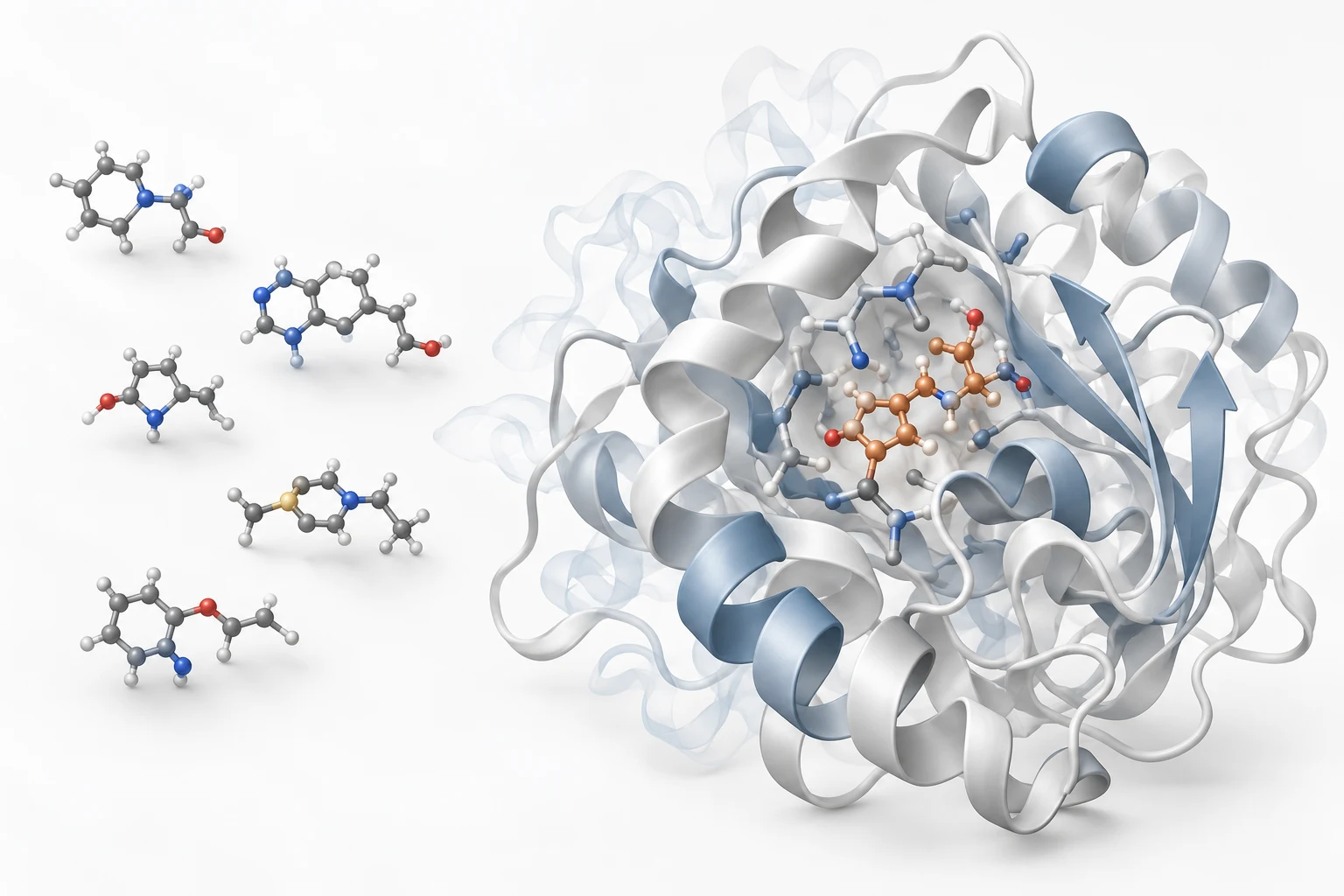
From a library of molecules to a few worth a closer look.
Prepare the library
Check structures and identifiers. Keep each molecule connected to its source.
Dock and screen
Compare poses, scores and task status, not just the top-ranked result.
Review candidates
Return to the structures and settings before deciding what to investigate next.
Molecular dynamics
Prepare and review the system, then examine how its structure changes over time.
Prepare structures, set parameters, submit calculations
MolloM brings integrated docking and molecular dynamics tools into one interface: prepare structures, set parameters, submit calculations, then inspect results and logs.
Get the tools ready
The software centre detects existing tools and offers installation, version management and checks for supported integrations. Choose your computer or an SSH server, inspect inputs, and place the docking box in 3D. Installation still depends on the OS, licence and available packages.
Keep the parameters within reach
Engines have their own controls: search effort, seeds, CPU and GPU options, plus GROMACS runtime and MDP settings. Dedicated controls and native-protocol entries preserve detailed configuration for review before submission.
Handle a batch without starting over
Use a small trial to estimate runtime before allocating concurrency and resources. Choose engines and filters by round; retry failed items without repeating successful work. Keep candidate provenance across rounds and page through results and logs. Throughput still needs testing on your hardware and data.
Prepare at the desk. Follow up on your phone.
Desktop
Prepare proteins and ligands, inspect structures in 3D, configure boxes, engines and resources, then submit local or server jobs. Manage screening rounds, recover failed items, export results and work with GROMACS simulations and trajectory analysis. Docking and MD can be used independently.
Mobile
Read projects, progress, result summaries and logs from a connected compute host. Keep notes, favourites, candidate comparisons and timestamped offline copies. For supported desktop projects, edit pending plans and review changes; submit only with separate permission and resource confirmation.
Actual development interfaces with demo settings and simulated tasks. No real computation was submitted.
First connect to your own computer or server, pair your devices and grant access permissions.
Existing engines. A traceable record.
MolloM is not a new docking or MD engine. It calls existing programs and retains original output, parameters and attempts. Project packages carry selected inputs and results. Compatible AI agents can read status or prepare plans through MCP.
Where calculations run and data travels
Docking and simulations run on your computer or chosen server. Account connections can relay selected task status, result summaries and logs to your phone. Software installation and external services you enable also use the network.
Delegate the operations, not the scientific judgement
Docking scores and trajectories help compare candidates; they do not establish binding or mechanism on their own. Interpretation still depends on molecular identity, protonation, force fields, sampling and experimental evidence.
Downloads and platforms
Desktop and mobile apps are in development. Official installers and store links are not available yet. Downloads, system requirements and installation instructions will appear here after release.
Planned platforms
Desktop
- macOSNot publicly released
- WindowsNot publicly released
- LinuxNot publicly released
Mobile
- iOS / iPadOSNot publicly released
- AndroidNot publicly released
- HarmonyOS NEXTNot publicly released