
Skip to content
Liao Chenyan

Grind calibration · Coffee notebook

YanMore Grind

Choose your beans and grinder, then find a starting setting. Record the time, yield and taste of the brew. Let that result inform the next adjustment.

Available for iPhone · iPad · Mac · 12 languages

2.3.1 has been submitted for review; the public App Store version is 2.3.0 (checked 2026-10-19).

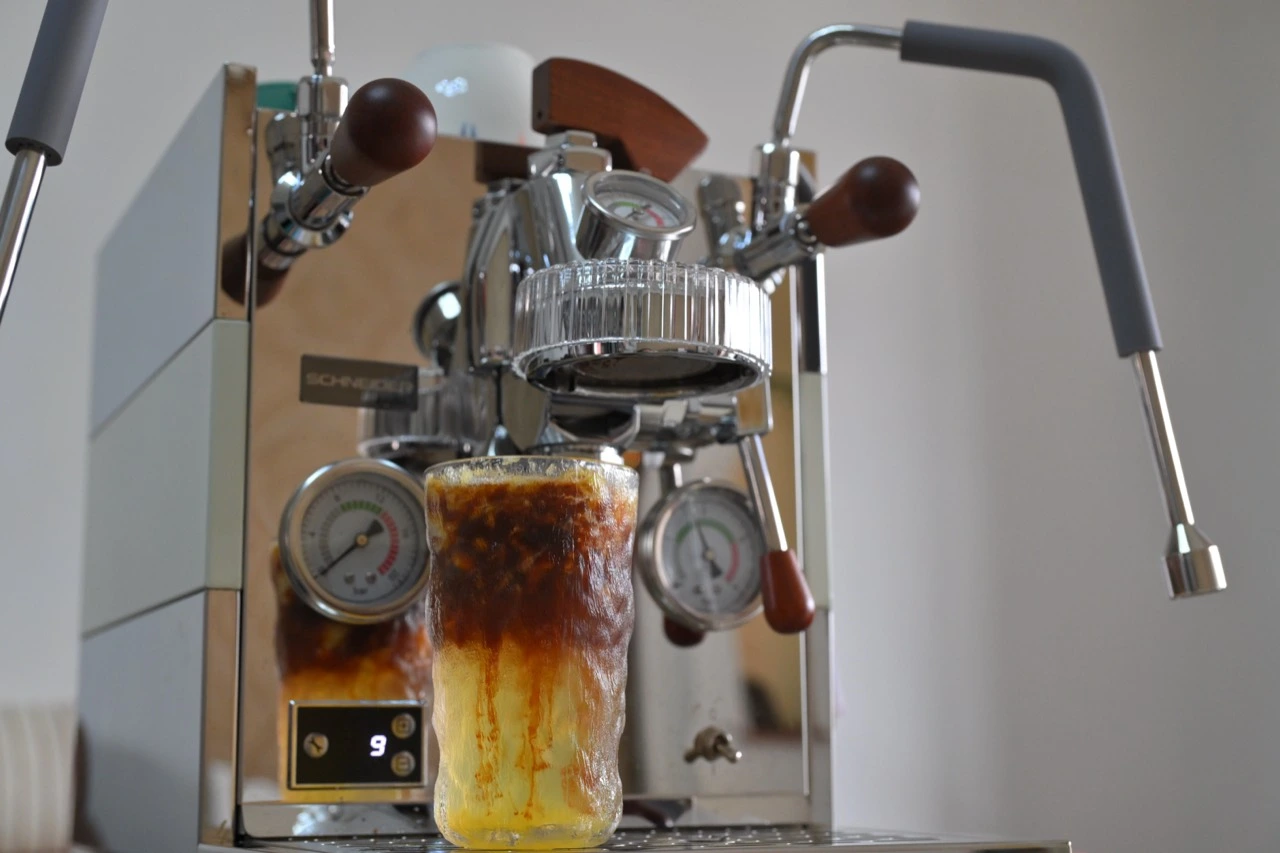
An espresso machine and a freshly prepared coffee, original photograph supplied by Liao.
YanMore Grind — Grind guidanceYanMore Grind — Brew history

01 / A fresh bag of beans

Finding a setting for a new bag of beans

The dose is unchanged and the target is still 36 grams. With a new coffee, the shot suddenly finishes in seconds. Turn finer and it may barely drip. A familiar recipe does not tell you which setting this coffee needs.

YanMore Grind grew out of the repeated adjustments a new bag of beans can require. It brings equipment, beans and actual brew records together so you can compare attempts. You can also skip recommendations and just record recipes and tasting notes.

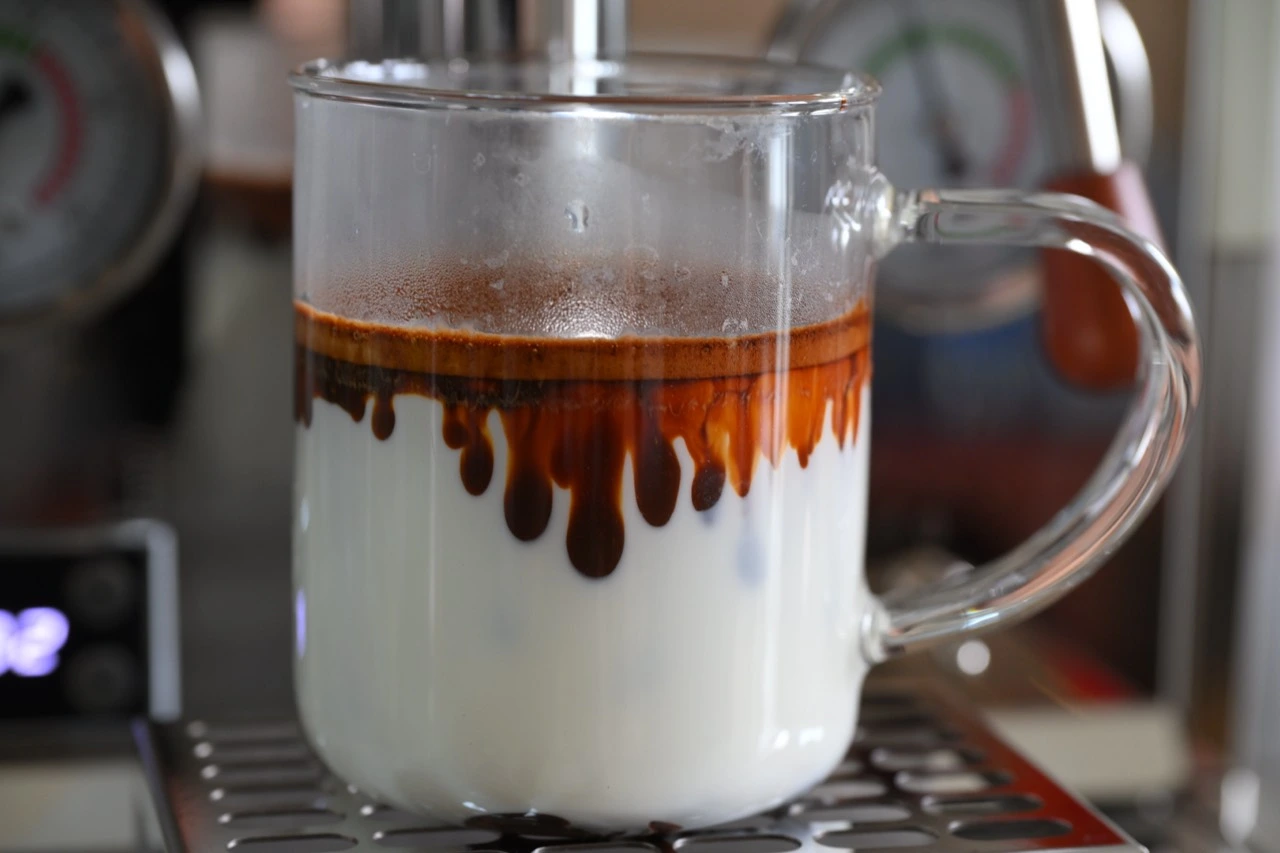
Espresso entering milk, with brown coffee slowly spreading into white milk.
YanMore GrindBegin with the first cup.

02 / Watch the flow

Compare flow and yield

Illustrative examples for about 18 g and a 1:2 ratio. 25–30 seconds is a common starting point, not a universal standard. Channeling and other factors also affect flow.

Fast flow

10 s / 40 gThe grind may be coarse. Check puck preparation before going finer.

Reference zone

25–30 s / 36 gNear the recipe target, taste before deciding what to change.

Restricted flow

30 s / 10 gThe grind may be fine. Check dose and equipment before going coarser.

03 / One brew at a time

From equipment settings to brew records

Recommendations, measured brews and reference recipes stay distinct. Importing a recipe does not turn it into your measured result.

YanMore Grind — Grind guidance
01

Choose your coffee and grinder

04 / Bayesian calibration

Adjust guidance with measured brews

The same number on two grinders does not mean the same thing. YanMore Grind uses a personalized Bayesian model, combining eligible measured brews with beans, equipment and recipe context to inform the next adjustment.

Guidance changes with valid records. Sparse or conflicting feedback may require more measured brews. There is no promised number of cups to calibrate; a suggested setting still needs to be assessed by tasting the result.

Variety, roast, rest time, dose, distribution, tamping, temperature, pressure and equipment condition also affect extraction. Validate recommendations in the next brew; they do not guarantee flavor or replace taste.

YanMore Grind — Grind guidance
Grind guidance

YanMore Grind / 2.3.1

2.3.1: remember the taste, and the bag it came from

Espresso today, a pour-over tomorrow, from the same bag. Note a citrus aroma separately from a dry finish. Version 2.3.1 expands the flavor wheel and adds repeat-purchase records, with clearer Free / Pro boundaries for calibration and the bean workbench.
2.3.1 has been submitted for review; the public App Store version is 2.3.0 (checked 2026-10-19).

01

Aroma and mouthfeel, recorded separately

The 2.3.1 flavor wheel has 8 aroma families, 108 specific aroma descriptors and 10 separate mouthfeel options. In a brew’s flavor notes, choose the wheel, then a family and a descriptor; search and list views are also available. Select across families and set each intensity separately: clear lemon, for example, with slight creaminess. These are personal tasting notes, not chemical measurements or an official flavor certification.

02

Buy it again, start a new bag

In 2.3.1, start a repeat purchase from a finished bean record. Basic details carry over; confirm the new bag’s roast and opening dates before saving. This creates a new bean record within the existing library allowance. The old bag stays finished and its brews are neither moved nor rewritten. Canceling creates nothing. Brewing the same bag again does not need a repeat-purchase record: select that bag and add another brew.

03

One bag: a timeline and a Pro workbench

Open a bean’s journey to revisit its brews in time order. In 2.3.1, the ordinary timeline, old-brew details and manual recording remain Free within existing history limits. Grouping by method, workbench favorite filters, two-brew comparison and quick recipe reuse are Pro features. Reuse opens a new draft; measure this cup’s yield and time again. Canceling adds no brew. Expiry does not delete brews, favorites or recipes, but professional comparison and reuse require Pro again.

04

Free and Pro espresso calibration

Version 2.3.0 added editable Ristretto, Normale, Lungo, Allongé and Turbo starting recipes. In 2.3.1, Free espresso prediction and feedback calibration use the standard 1:2 ratio, such as 18 g in and 36 g out. Other styles, templates and custom-ratio predictions require Pro. This limits prediction, not the ratio of an actual brew record, and does not rewrite old recipes. Pro still has method limits; it cannot automatically predict every pressure or flow profile.

Read the 2.3.1 guide notes

05 / Also a coffee notebook

Beans, recipes and a coffee diary

01

Beans & equipment

Keep profiles for your beans and equipment, with the recipes that belong to them.

02

Taste & notes

Acidity, sweetness, bitterness, texture, flavor intensity—or simply “good with milk today.”

03

Beyond espresso

Espresso, pour-over and other methods. Access to all methods and advanced settings depends on Free / Pro entitlements.

04

Share & back up

Share a brew and keep local exports. Advanced sharing and full backup restoration are Pro features.

05

2.2.1 · Milk inventory

Finish one or several small bottles, or record milliliter uses from a larger container. Stock removed and milk added to a cup stay separate, with undo for the current operation. Inventory, costs and reminders are Free; Pro edits label nutrition and lactose information. Reminders do not assess food safety.

06

2.2.1 · The cups you drank today

Saving a new brew can also add its composition estimate to the diary. Selecting an old recipe in the calculator does not count as drinking it. The Pro calculator gives rough caffeine and cafestol estimates with assumption ranges—not laboratory measurements or medical advice.

YanMore Grind / Mac

Your coffee notebook. Now on Mac.

The native Mac app is now available. Brew history, bean profiles and the coffee diary have room to breathe. Look back at a cup, review its recipe and tasting notes, then decide where to begin today.

View the Mac app
Requires macOS 15.7 or later. Features and versions may differ by platform; availability does not imply automatic cross-device sync.

07 / Available now

Ready for your next brew.

YanMore Grind is available on the App Store with a multilingual interface. Start recording and calibrating with Free; Pro adds equipment options, methods and full history. Check the app for current prices and entitlements.

Download on the App Store
Platforms
iPhone (iOS 17+), iPad (iPadOS 17+), and native Mac (macOS 15.7+).

Privacy

Local records and privacy

Core records and recommendations run locally without an app account. Apple handles purchases and subscriptions. See the privacy policy for optional services and permissions; review records before sharing or exporting them.

Read the privacy policy